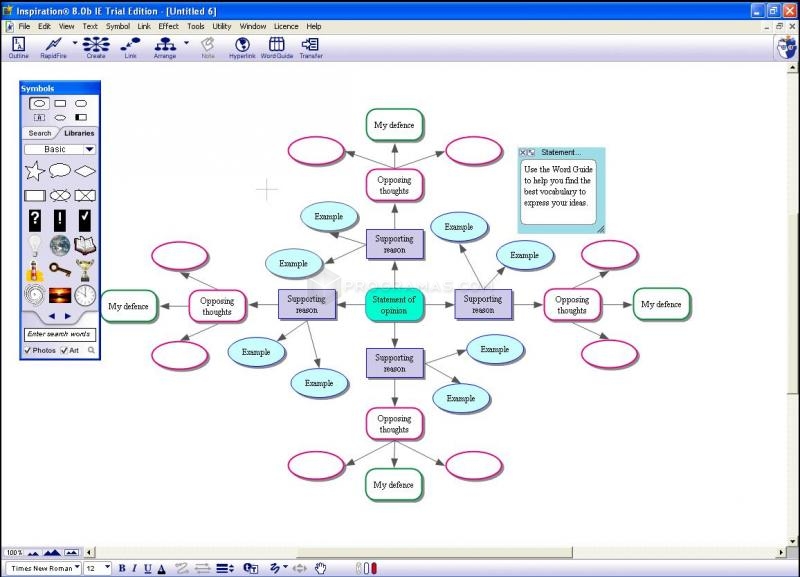
Through our lesson on how to create digital diagrams I will be able to use this program to show the instrument families in the orchestra so students can understand how each instrument is categorized. I believe that using digital diagrams to show different facts about composers would also be helpful, so that students have a study aid for every composer. I really like digital diagrams and will definitely use them in my classroom!
Friday, November 22, 2013
Digital Diagrams and Inspiration
Through our lesson on how to create digital diagrams I will be able to use this program to show the instrument families in the orchestra so students can understand how each instrument is categorized. I believe that using digital diagrams to show different facts about composers would also be helpful, so that students have a study aid for every composer. I really like digital diagrams and will definitely use them in my classroom!
Sunday, November 10, 2013
Interactive whiteboards and flipcharts
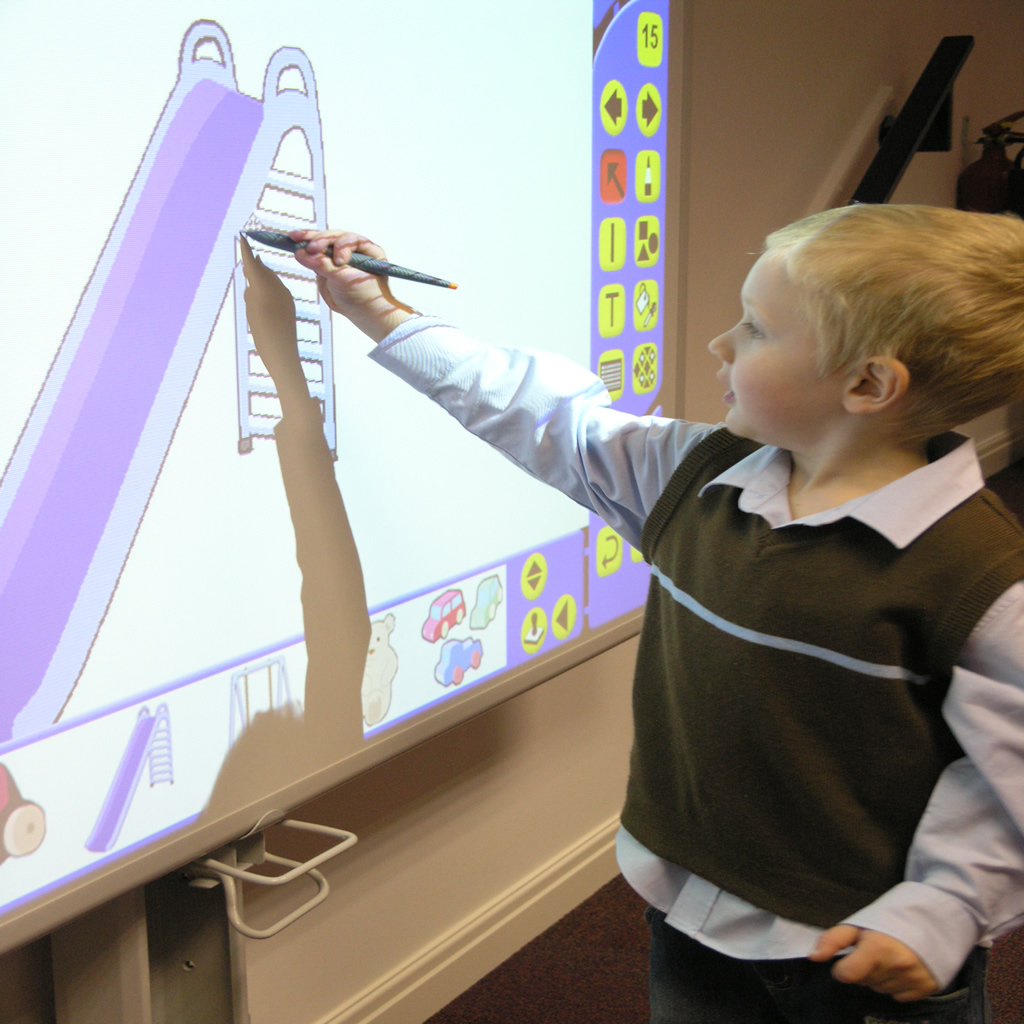
Although I haven't had any experience I leaned a lot over the past few classes on how to create interactive flipcharts. I also learned that promethean planet is a resource open for teacher to use that has cool interactive activities and downloadable flipcharts for different classroom lessons. I really liked searching around on the promethean planet website and seeing all the cool things that I could download for free! I learned that there is different modes in Activinspire like authoring mode and at the board, which contain different tools that I can use. I also learned how to change the background, and how to use special interactive tools that I downloaded from the website.
I think that this lesson about using IWB and Activinspire is critical for my future classroom, because more and more technology is being integrated in the classroom through IWBs. I will use the board to put up important information such as which standards that we are covering in class, and also important dates that students should know that are arriving soon. I will also use the board to teach musicology and show important technique videos.
Friday, November 1, 2013
Interactive Whiteboards Research Article
Before I read this article on Interactive whiteboard research I did not know much about IWB. I had never used this technology or have observed any teacher using this technology, so I have not had any experience what so ever.
For example teaching through modeling how to shift would be more helpful than using the board, while learning about composers and history would be more useful to use the board. I believe that I will use IWB for teaching musicology and music theory, so that students can take notes, and learn from using helpful tools that the IWB provides.
Thursday, October 24, 2013
Classroom Website
For my updated website I was easily able to navigate around my website as far as editing goes. I did forget for a moment how to hyperlink my page, but quickly remembered because of how many times I had done it before. This time though our instrument scavenger hunt I was able to learn how to easily add my google slides, saved under my drive, and add it to my website. At fist I thought that it would take a long time to make the transfer, because I believed it was such a large file but I quickly found out how easy it really was!
This assignment is extremely important for every teacher! My orchestra website needs to constantly stay up-to-date for my students, so that it is easy and convenient to navigate. I will definitely use my website in my classroom. When I use this for my class I will add other important materials that they might need and have a concert countdown on our main page. I also want to make my website more personal for my students by adding pictures and videos of them.
Friday, October 11, 2013
Digital Images
In class I did learn how to properly download and resize photos using preview on my macbook. I also learned how upload photos onto google presentation. And finally I learned that resizing the photo works way better than dragging the corners of the photo. The next thing that we did was go to the music building and find all of the instruments for our scavenger hunt and download and share them through dropbox! I had never done this before, and I still was not sure how dropbox worked because I had heard of the software but never have used it, so it was really exciting to learn how to work it.
In my future classroom I can see me using this information to create slideshows for my students with picture that are properly sized and are at 72 resolution. I'm excited to be able to start finding good pictures of composers and artists to show to my students.
Thursday, October 3, 2013
Resources
Finally I would use this in my classroom for group projects. I think it would be a good idea to have students research websites and put them up on a google doc to help them do research on an important time era in music. Other than this I'm not really sure how to use this in my classroom because unfortunately and honestly there is not enough time for students to do projects like this because students have to reach a certain level in their playing in such a short period of time. There really isn't any time for any of these kinds of projects. I'm hoping that this will change to help enrich student's experiences but I've never seen a music classroom that has time for things of this nature which is very sad.
Friday, September 27, 2013
Inquiry Based Project
I believe that my students will love doing research on composers that they are performing in class. I think that it would be really cool for each student to choose their favorite composer and make their own wiki. That way every student gets a link to the history of various composers.
I feel more comfortable than before about using wikis. I really struggled with putting the picture in and getting it to upload properly, but for the Inquiry Based project I was easily able to complete the assignment. I had no problems completing this project, I simply followed directions and made my project unique for my future classroom. I really loved this assignment!
Subscribe to:
Posts (Atom)